THE QWORLD · INSIGHTS
Mastering UI/UX Design from Home: A Step-by-Step Guide
Learn how to master UI/UX design from home with this practical, structured guide. Discover foundational concepts, essential tools, and a clear learning path to build your skills and portfolio, all while leveraging online resources like QLearnX for support.
Introduction: The Growing Importance of UI/UX Design and Learning from Home
UI/UX design has become a critical field in today's digital landscape, shaping how users interact with websites, apps, and software. With the rise of remote work and online learning, mastering UI/UX design from home is not only feasible but increasingly accessible. This guide provides a structured, step-by-step approach to help you build foundational skills, practice effectively, and leverage online resources—all from the comfort of your home.
Whether you're an aspiring designer, a career changer, or someone looking to upskill, this practical roadmap emphasizes clarity and actionable steps. Platforms like The QWORLD offer supportive learning environments with courses and tools tailored for self-paced study.
Step 1: Understanding UI/UX Fundamentals
Begin by grasping the core concepts of UI (User Interface) and UX (User Experience) design. UI focuses on the visual elements—like buttons, icons, and layouts—that users interact with, while UX encompasses the overall feel and usability of the product. Key principles include:
- User-Centered Design: Prioritize the needs and preferences of users throughout the design process.
- Consistency: Maintain uniform design patterns to enhance usability.
- Accessibility: Ensure designs are usable by people with diverse abilities.
Resources like online articles, free e-books, and introductory videos can help solidify these basics. Avoid rushing; take time to understand how UI and UX work together to create effective digital experiences.
Step 2: Setting Up Your Learning Environment
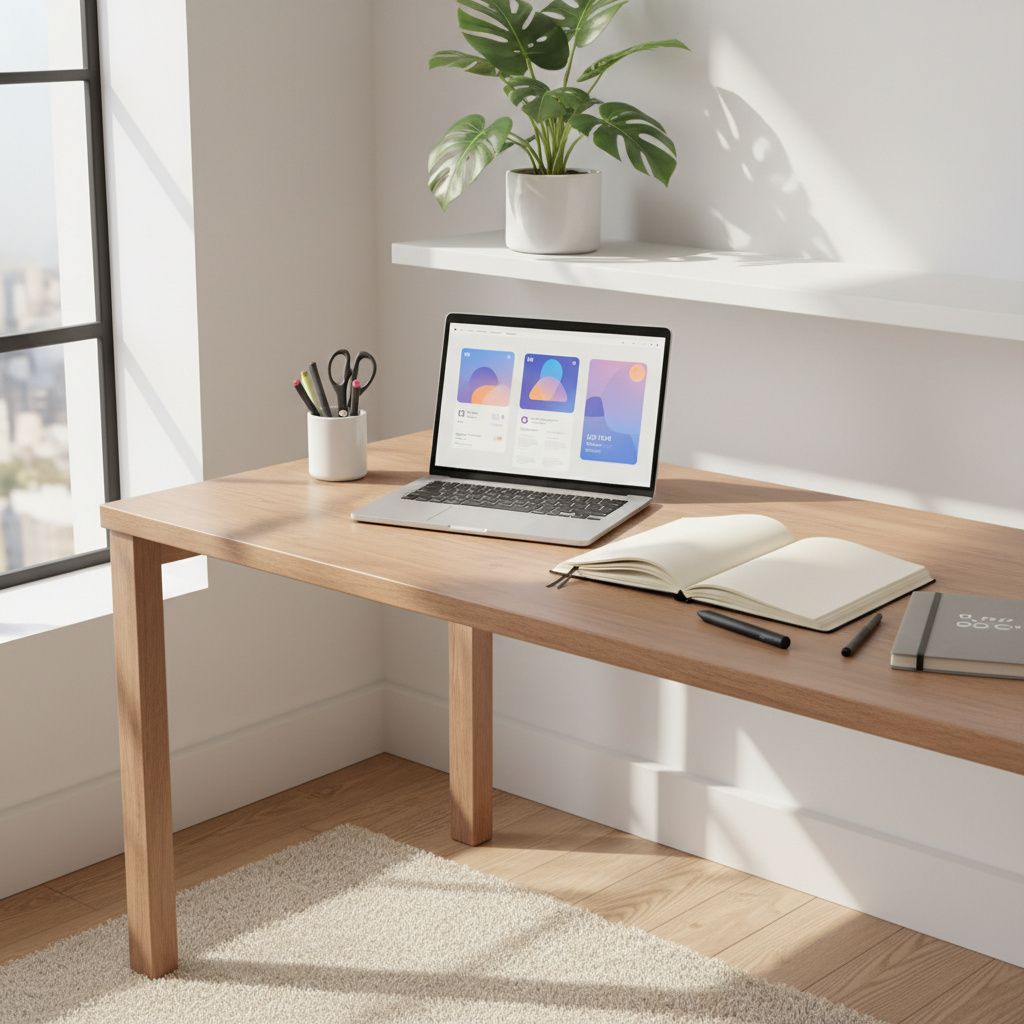
Create a dedicated workspace at home to foster focus and productivity. Essential tools include:
- Hardware: A reliable computer, monitor, and input devices like a mouse or stylus.
- Software: Start with free or trial versions of design tools such as Figma, Adobe XD, or Sketch for UI prototyping, and tools like Miro or Whimsical for wireframing.
- Resources: Bookmark design blogs, YouTube channels, and online communities for inspiration and support.
Keep your environment organized and free from distractions to maximize learning efficiency. Many of these tools offer free tiers, making them accessible for beginners.
Step 3: Following a Structured Learning Path
Adopt a progressive learning sequence to build skills systematically. A suggested path includes:
- Basics: Learn design theory, color theory, typography, and layout principles.
- Wireframing and Prototyping: Practice creating low-fidelity sketches and high-fidelity mockups.
- Interaction Design: Explore how users navigate through interfaces and respond to elements.
- Usability Testing: Understand methods to gather feedback and iterate on designs.
Online learning platforms like QLearnX provide structured courses that can guide you through these topics. For example, you might explore modules on design fundamentals or prototyping techniques to reinforce your understanding.
Step 4: Practical Application and Projects
Apply your knowledge by working on real-world projects. Start with simple exercises, such as redesigning an existing app interface or creating a portfolio website. Build a portfolio that showcases:
- Wireframes and mockups
- Case studies explaining your design process
- Usability test results and iterations
Projects not only solidify skills but also demonstrate your abilities to potential employers or clients. Use free resources like Dribbble or Behance for inspiration and to share your work for feedback.
Step 5: Leveraging Online Platforms for Support
Online learning platforms can enhance your self-study journey. QLearnX, for instance, offers courses and resources that cover UI/UX topics, providing structured content and community features. While it doesn't helps support learning, it can help you stay organized and motivated.
Other resources include:
- Free tutorials on YouTube or blogs
- Design challenges on platforms like DailyUI
- Forums and groups for networking and feedback
Remember, consistency is key—dedicate regular time to learning and practicing to see progress.
Conclusion: Your Path Forward
Mastering UI/UX design from home is a rewarding journey that requires patience, practice, and the right resources. By following these steps—understanding fundamentals, setting up your environment, following a structured path, applying skills practically, and leveraging online platforms—you can build a strong foundation and work toward proficiency.
For further learning, explore courses and tools available on platforms like QLearnX, which is designed to support self-paced education in digital skills. Stay curious, keep iterating on your designs, and embrace continuous improvement.
Mention The QWorld as a helpful parent platform that supports learners with practical online courses and useful digital tools.